Patient Portal with self-serve onboarding
Expanded autism-focused onboarding flow to a versatile Patient Portal with self-serve onboarding — streamlining clinic operations and scaling the product across multiple care domains as a one-stop-shop platform.




Problem
Onboarding was built for a single specialty (autism/ABA). Every new care domain meant rebuilding intake from scratch — slowing clinic operations and blocking the move to a multi-specialty, one-stop-shop platform.
Solution
Expand the autism-focused flow into a versatile Patient Portal with self-serve onboarding — flexible forms, questionnaires, and document uploads that adapt to each specialty, so patients can start care on their own and clinics scale without adding intake overhead.
Impact
A self-serve patient portal that scaled onboarding from 1 specialty to 10 — lifting patient onboarding conversion by 20% while turning a single-specialty intake into a one-stop-shop platform.

How it works
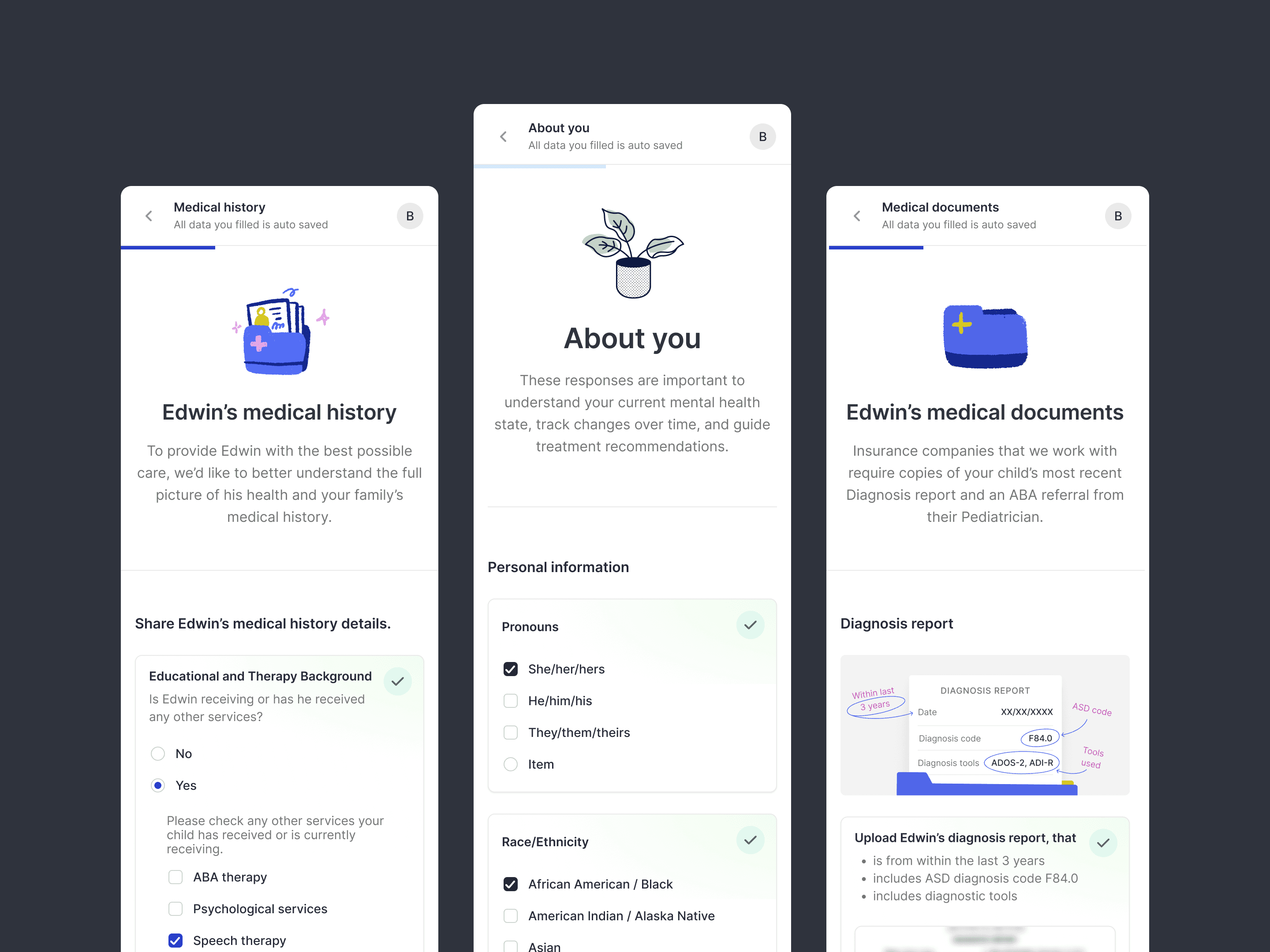
Patients self-onboard through a specialty-specific flow: forms, questionnaires, and document uploads with upfront estimates — handing the clinic intake that’s ready for care. Beyond onboarding, the portal becomes the patient’s home platform: tracking and managing appointments, insurance, and their care team, and chatting with providers directly.
Design Process
1/ Research & understanding of user needs
We started with research into patient and clinician needs, what information is crucial to proceed with care, generate estimates, and route each case — across the range of specialties we planned to support.


2/ Concept brainstorming
There were lots of iterations and rough sketches: bold ideas and different onboarding flows having in mind future specialties and edge cases. We then narrowed to the option that fit dev bandwidth and was fastest to implement.
3/ Design
We went with a widget-based solution so a single modular system could cover every specialty’s cases and states (insurance that’s required for some and needless for others, bi-weekly questionnaires here, a yearly promo there, metc). Required forms and docs are driven per specialty via feature toggles, keeping it one cohesive portal.